Alge Self Timer SF3
Full manual: https://alge-timing.com/alge/download/manual/sf3/SF3-BE.pdf
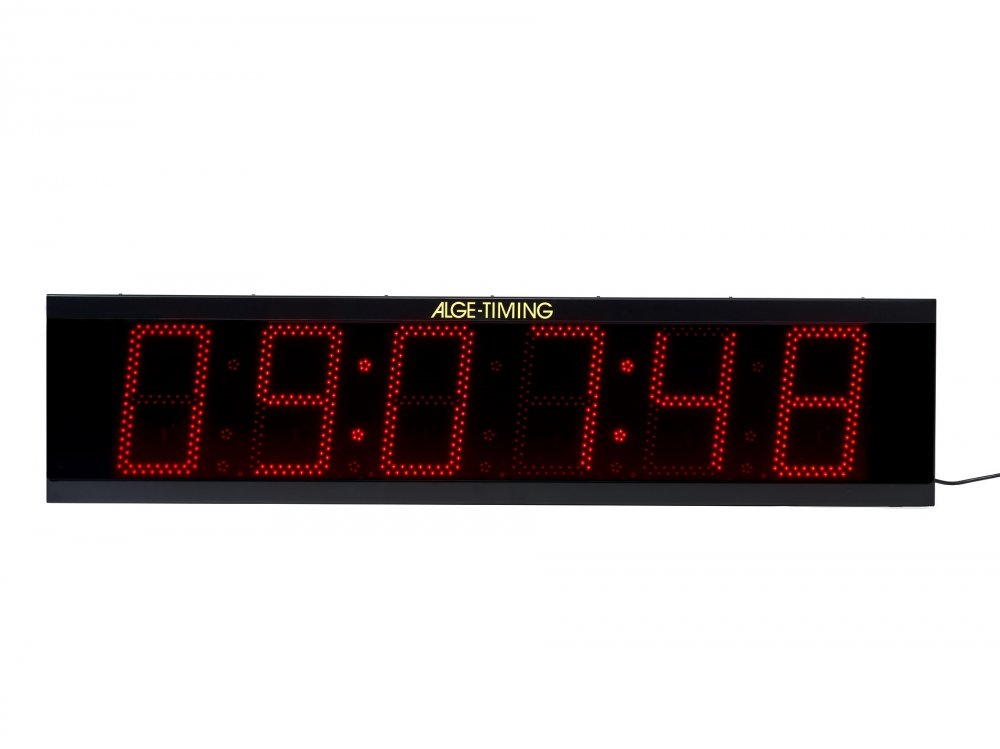
The Alge SF3 is a display board with built-in timing functionality. It can be used to allow the public to time themselves without the need for race staff. It can also be used as a standard display board. Self-timing functinality requires the use of the Self Timer Start Controller.
Self-Timing
Cabling
Settings
Use the black button on the side of the board to enter the following settings. Hold the button down to enter the menu, then press and release the button to change the field that is flashing. The board will cycle through fields on its own. You have to go through every setting in order to exit the menu.
Setting |
Value |
Notes |
|---|---|---|
SF |
Set to self time mode. |
|
PA |
0 |
No payment required. |
Pt |
unchanged |
Payment counter, not used. |
Pd |
unchanged |
Payment counter, not used. |
St |
unchanged |
Start counter. Press button to reset. |
Sd |
unchanged |
Start counter. Press button to reset. |
LL |
03 |
Minimum time, multiple of 5s. (15s) |
LH |
48 |
Maximum time, multiple of 5s. (4m) |
SP |
00 |
Set to disable speed measurement. |
Un |
unchanged |
Units for speed measurement. Not used. |
rP |
unchanged |
For speed measurement. Not used. |
tO |
1 |
Delay before showing ToD. Multiple of 10s. |
hh |
TIME |
The current time, hours. |
EE |
TIME |
The current time, minutes. |
SS |
TIME |
The current time, seconds. |
dd |
DATE |
The current day of the month. |
dE |
DATE |
The current month. |
dY |
DATE |
The current year. |
th |
10 |
Time to display ToD. |
td |
0 |
Time to display date. Set to off. |
tt |
0 |
Time to display temp. Set to off. |
Ar |
Ut |
Set to follow US daylight savings, 12 hr. |
br |
09 |
Set max brightness. |